
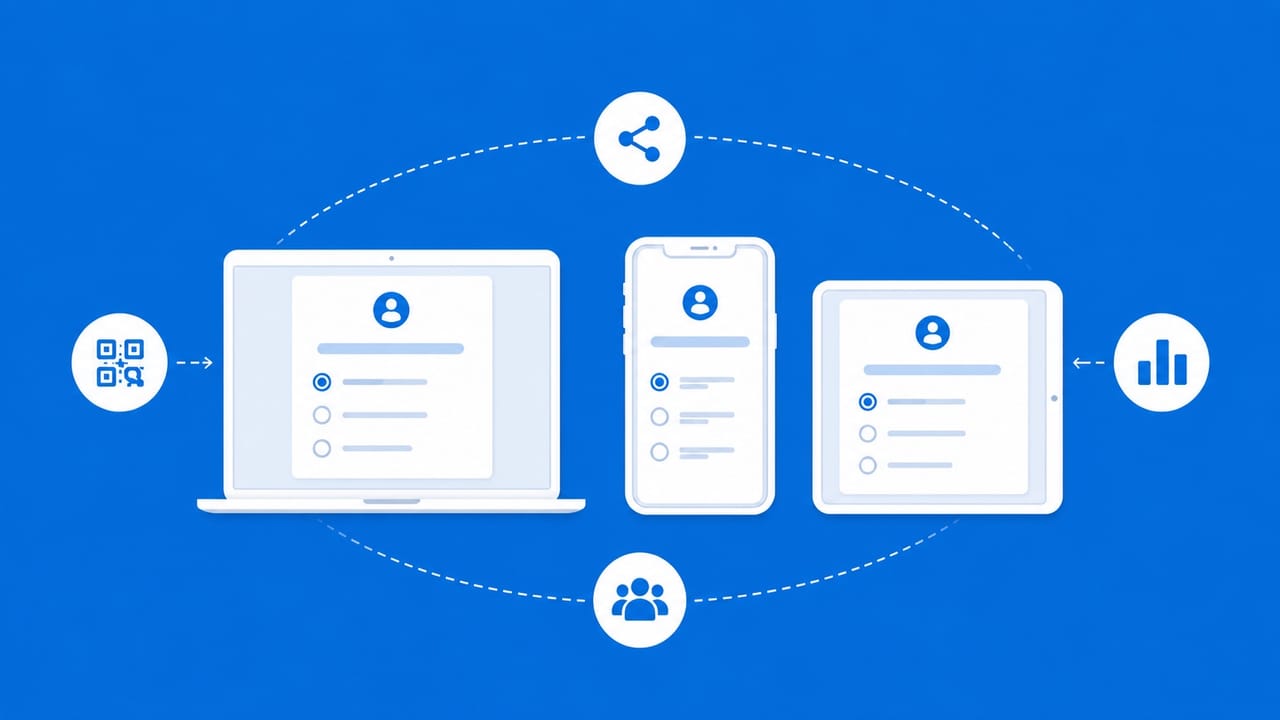
What would you like to create?
Create, share and collect responses for free. Choose the format that fits your goal.



Who uses SurveyHeart?
SurveyHeart is built for anyone who needs to collect information quickly. Teachers use it for attendance and student feedback. Businesses use it for customer enquiries and orders. HR teams use it for employee surveys and applications. Events, students and NGOs use it to collect registrations, responses and feedback.
Teachers
Take attendance, collect assignments, run classroom surveys and share quizzes without paper.
Businesses
Collect customer feedback, take orders, capture leads and manage enquiries from one place.
HR Teams
Collect job applications, run employee surveys and simplify onboarding for new team members.
Events
Manage event registrations, collect RSVPs and gather feedback after your event.
Students
Create project surveys, collect research responses and manage group registrations easily.
NGOs
Register volunteers, collect field responses and gather feedback from communities.
How does SurveyHeart work?
Create a form, share it and start receiving responses in minutes.
Create
Choose a template or start from scratch. Add your questions and customise your form.
Share
Share your form by link, QR code, WhatsApp, email or embed it on your website.
Collect
Receive responses instantly. People can fill your form without creating an account.
Analyse
View charts, review responses and export your data to CSV, Excel and PDF.
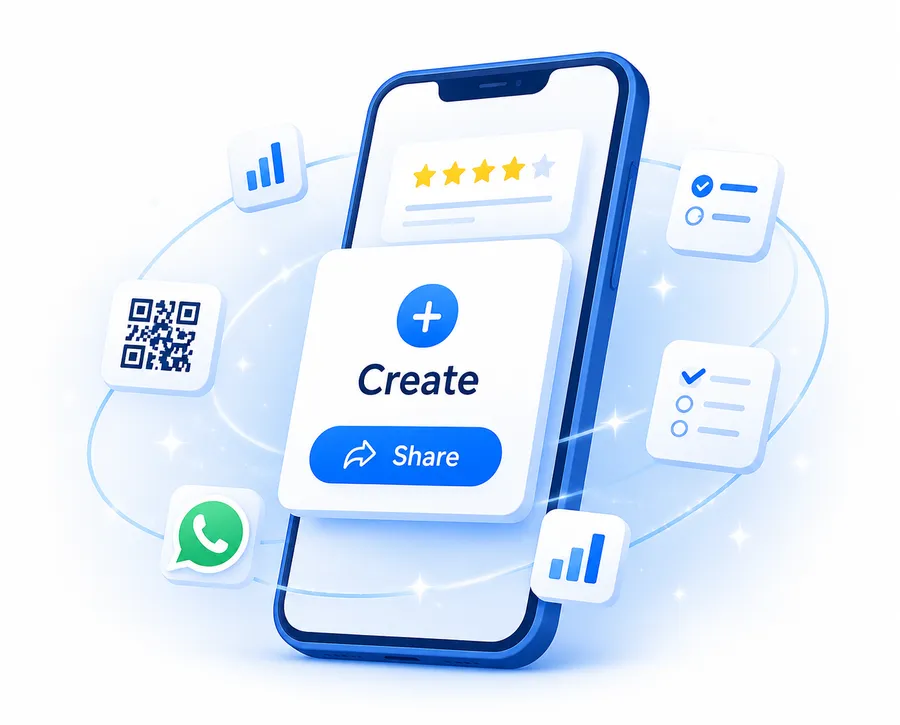
Create and Manage Forms from Your Phone
SurveyHeart helps you create, share and manage forms directly from your phone. Build a form on the go, send it through WhatsApp, receive response notifications and track results without needing a laptop.


Everything you need to build better forms
Create forms, surveys and polls without coding. Customise your questions, share your form anywhere, track responses in real time and export your data whenever you need it.
Smart form builder
Easy sharing
Response analytics
Use conditional logic to show relevant questions based on earlier answers, so you create cleaner forms and an easier experience for respondents. Set required fields, customise your form with themes or image backgrounds, and share it through link, QR code or WhatsApp. As responses arrive, SurveyHeart turns them into clear charts and summaries that you can search, filter and export.
Start with a Free Form Template
Save time with ready-made form and survey templates. Choose one, edit the questions and share it with your audience in minutes.


Looking for a Free Google Forms Alternative?
SurveyHeart is a free alternative for people who want to create forms from a mobile app and share them through WhatsApp or QR code. Create forms, surveys, polls and registrations, collect responses without requiring sign-in, and view results from your phone or browser.
Compare with Google Formsarrow_forwardTrusted by Millions of Form Creators
SurveyHeart has helped millions of people create forms, surveys, polls and quizzes. Teachers, businesses, HR teams, students, event organisers and NGOs use SurveyHeart to collect information, feedback and registrations every day.
Ready to Create Your First Form?
Start free and create a form, survey or poll in minutes. No coding required, and no account needed for the people filling your form.
Frequently Asked Questions
What is SurveyHeart?
SurveyHeart is a free online form builder, survey maker and poll creator. You can create registration forms, feedback forms, attendance forms, contact forms, order forms, quizzes and more without coding. Share them by link, QR code, WhatsApp, email or embed.
Is SurveyHeart free?
Yes. SurveyHeart lets you create forms, surveys and polls for free. You can build forms, share them and collect responses without a time limit. Advanced features may be available on paid plans.
Are responses unlimited on the free plan?
SurveyHeart does not apply a standard hard response cap for normal form usage. You can create and share forms freely, while unusually high-volume accounts may be reviewed under fair-use policies.
Can I create forms from my phone?
Yes. SurveyHeart has mobile apps for Android and iOS. You can create, edit, share and manage forms directly from your phone.
Do respondents need an account to fill my form?
No. People can open your form link and submit their responses without creating a SurveyHeart account or signing in.
Can I share my form through WhatsApp or QR code?
Yes. SurveyHeart supports sharing through WhatsApp, QR code, direct links, email and website embeds. This makes it easy to collect responses from groups, customers, students, employees and event attendees.
Is SurveyHeart a good Google Forms alternative?
SurveyHeart is a useful Google Forms alternative for people who want to create forms from a mobile app, share through WhatsApp or QR code, and manage responses from web or mobile.
Can I create surveys with SurveyHeart?
Yes. Create multi-question surveys with multiple choice, rating scales, open text answers, file uploads and more. You can view response charts, search submissions and export results for analysis.
Can I create quizzes with SurveyHeart?
Yes. You can create quizzes with correct answers and scoring. The quiz experience, leaderboard and result pages are powered by Quizzory, SurveyHeart's quiz-focused sister product.
Can I export form responses?
Yes. You can export form responses to CSV, Excel and PDF from the responses section. This makes it easy to analyse data, create reports or share results with your team.